
Toca Boca Jr: Fun Kids Games review
 Analysis by GetAllApps
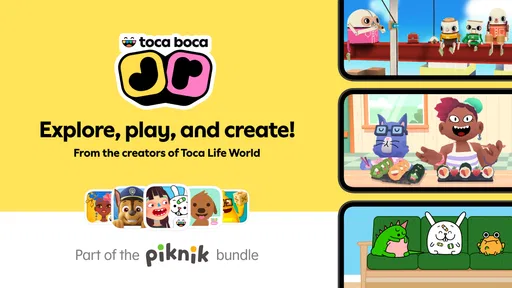
I judge a children’s game less by how quickly it opens than by what happens after a child starts tapping: does it invite play without constant help, and can it hold attention without turning a short break into a screen-time battle? Toca Boca Jr: Fun Kids Games is an educational game from Play Piknik for children aged 2 to 8. Its appeal is open-ended play rather than lessons with scores or a fixed route, which makes it a better fit for curious little explorers than for parents looking for a structured curriculum.
Play that can begin quickly and wander freely
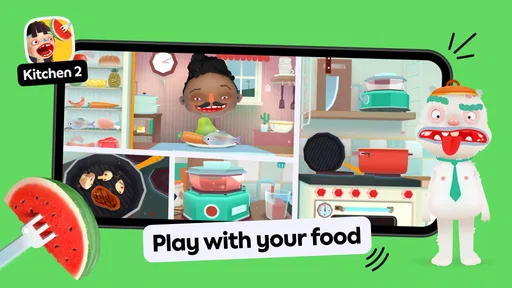
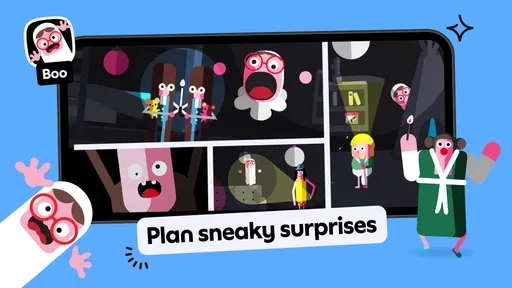
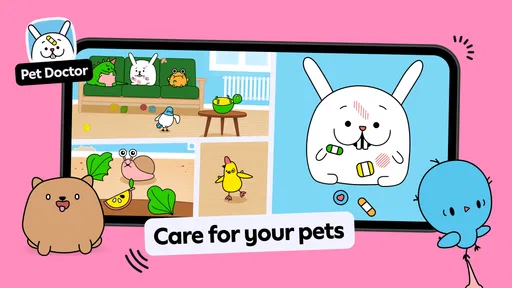
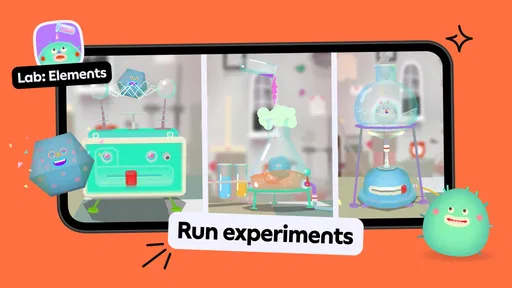
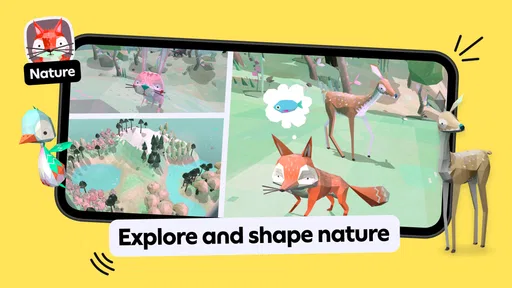
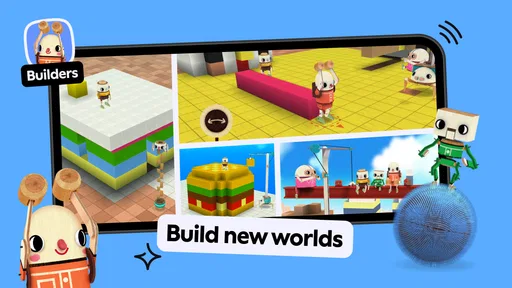
The basic idea is simple: children can create, explore, and play in their own way. That freedom is the game’s strongest quality, but it also means the experience depends on the child. A toddler may enjoy trying things out and repeating a small discovery, while an older child may want more direction than this kind of play provides. I would introduce it as a place to explore, not as a game with a clear finish line.
In normal use, I would expect a young player to move between activities at their own pace rather than follow a long sequence of instructions. That can make it easy to hand over for a brief stretch of independent play. It can also mean a child pauses, experiments, or asks an adult what to do next. If you want an app that immediately explains a goal and rewards progress step by step, a more structured learning game may be a better choice.
The age range matters in practice. A two-year-old and an eight-year-old have very different patience, motor skills, and ideas about what counts as fun. I would sit with a younger child at first, help them get comfortable with the interaction, and then see whether they can continue alone. Older children are more likely to decide for themselves whether the open-ended approach suits them.
Useful for short, real-life windows
A realistic use case is a quiet stretch at home while dinner is being prepared: a child can explore without needing an adult to invent a new activity every minute. I would still set a clear stopping point beforehand, because a free-play format does not naturally signal that a session is complete. For a car ride or a place with unreliable connectivity, I would test the game on the device before relying on it; I would not plan around an assumption about offline availability.
Another practical approach is to make the first session a shared one. Let the child discover how the game responds to their actions, then step back instead of demonstrating every possibility. That gives you a better sense of whether they can navigate comfortably and whether the open format holds their attention. It also helps avoid the common trap of turning play into a parent-led tutorial.
What makes this different from lesson-based games
Many educational games put the child on a track: complete a puzzle, answer a prompt, collect a reward, and move on. Toca Boca Jr leans toward exploration instead. I see that as a meaningful distinction, not an automatic advantage. It is useful when you want imaginative, low-pressure play; it is less suitable when you need practice in a specific skill, visible progress, or an activity that reliably occupies a child for a set duration.
That difference also affects how an adult should evaluate a session. If the child spends time experimenting rather than completing a task, that is not necessarily a failure. But if your goal is to reinforce letter recognition, counting, or another particular topic, choose an app that clearly focuses on that outcome rather than expecting this one to serve as a full teaching tool.
Busy sessions, stability, and everyday performance
For a game aimed at young children, perceived speed is about more than loading. A child expects a tap to lead to an understandable response; delays or confusing transitions can quickly prompt repeated tapping or a call for help. I would try the game on the device the child will actually use, paying attention to how comfortably they move around and whether the experience remains easy to follow after switching between play areas.
Heavier use is where a child’s habits matter. Young players may tap rapidly, revisit the same activity, or pass the device back and forth with a sibling. Those moments can reveal whether the controls feel forgiving and whether the child can recover after losing their place. A useful tip is to watch the first few minutes rather than stepping in immediately: you can tell whether a pause is part of exploration or whether the child is genuinely stuck.
I would also keep sessions manageable. Open-ended play can make it harder to spot a natural stopping point than a game that ends each round. Before handing over the device, agree on a simple boundary such as one short session or a specific household transition. That is less about the game’s performance than about making its free-form design work well in an ordinary family routine.
Reliability is partly about the handoff
With a child-facing app, a dependable experience includes what happens when an adult needs the device back, the child changes activities, or the game has to be reopened. I recommend trying those transitions yourself before making it part of a daily routine. Notice whether your child can return to play without needing you to reconstruct what they were doing, and whether they can stop when asked.
If something interrupts a session, keep the recovery plan simple: explain that the game may need to be opened again, and avoid promising that every activity will resume exactly where it was. That is a sensible expectation for any mobile game, particularly when the device is shared or a child is still learning how apps work. I would not use it as the only planned activity for a time-sensitive situation until I had tested it on that device.
The game’s popularity suggests that many families have tried it: it has more than 100 million installs, alongside an average rating of 3.3 from around 1.7 million ratings and about 64,000 written reviews. I read that combination as a reason to form your own impression rather than assume universal approval. A broad audience can include children with very different ages and expectations, and free play will naturally suit some better than others.
Device fit and family cost
The current version is 4.6.0, and the stated minimum operating-system requirement is version 9. Before installing, check that the child’s device meets that requirement and has enough room for another game. Older or heavily used devices are worth testing first; even if an app is compatible, a crowded device can make switching between apps feel less smooth.
The game is free to download, with in-app purchases ranging from $7.99 to $79.99 per item. That makes the distinction between getting started and paying for additional content important. I would let an adult handle the store and purchase settings before giving the device to a child, and decide in advance whether any optional spending fits the household budget. A free starting point is helpful, but it does not mean every part of the experience is necessarily included at no cost.
Its content rating is Everyone, which is reassuring as a broad age classification, but I would still make the first visit a shared one. A rating does not tell you whether the game’s style, pace, or level of direction is right for your particular child. Watch how they respond, especially if they become frustrated by open-ended choices or find the interface less obvious than expected.
Who I would recommend it to
I would consider Toca Boca Jr: Fun Kids Games for a family with a young child who enjoys poking around, trying ideas, and making their own play rather than following a lesson plan. It can be a handy option for a short period of independent entertainment, especially once the child understands how to get started. The best results are likely when an adult establishes boundaries and remains available without directing every move.
I would skip it if you need a focused educational course, a clear sequence of challenges, or a predictable session length. I would also look elsewhere if your child gets more satisfaction from explicit goals and visible progress. In those situations, a conventional educational game built around a particular subject may be a better match, while a non-digital activity may be preferable when the aim is hands-on play away from a screen.
Play Piknik is the developer, and the game has been available since May 25, 2015. Its long-running presence and large install base make it familiar in the children’s-game space, but they do not remove the need to check whether its style works for your household. The central trade-off remains the same: freedom gives children room to explore, while adults may have to provide the structure that the game does not.
My performance verdict
For me, this is best approached as a flexible play space, not a guaranteed lesson or a tool for keeping a child occupied indefinitely. Its most useful quality is that a child can set the pace; its biggest practical limitation is that open-ended play may need an adult’s help at the beginning and a clear boundary at the end. Try it on the intended device, supervise the first session, and check the purchase settings before handing it over.
If your child responds well to exploration and you are comfortable supplying the routine around it, I think it is worth trying. If you want measurable learning goals, tightly guided activities, or a guaranteed smooth fit on an older device, choose a more targeted alternative. That distinction is more helpful than judging the game solely by its rating or install count: the right choice depends on how your child likes to play and what you need the app to do.
Pros and cons
Pros
- Offers several activities in one kid-friendly app.
- Simple touch controls make play accessible to young children.
- Open-ended play lets children explore at their own pace.
- Bright visuals make activities easy for children to follow.
- Suitable for short play sessions during downtime.
Cons
- Many activities require a paid subscription.
- Some features may need an internet connection to access.
- Young children may need help navigating menus.
- Repeated play can make activities feel familiar over time.
- Parents may want to review privacy and purchase settings first.


